Devices & Platforms
The rules of Minesweeper never change, but the two actions you need - revealing a cell and flagging one - are performed differently on every device. A trackpad has no second button, a touchscreen has no hover, and a 60% keyboard has no function row. These guides cover each platform on its own terms, including the ones with restrictions you cannot change, such as a managed school Chromebook.
How to Play Minesweeper on Any Device: PC, Mac, Mobile, and Chromebook
How revealing and flagging differ across PC, Mac, trackpad, touchscreen, and keyboard, with a focused guide for each device. Works in any browser, no download.
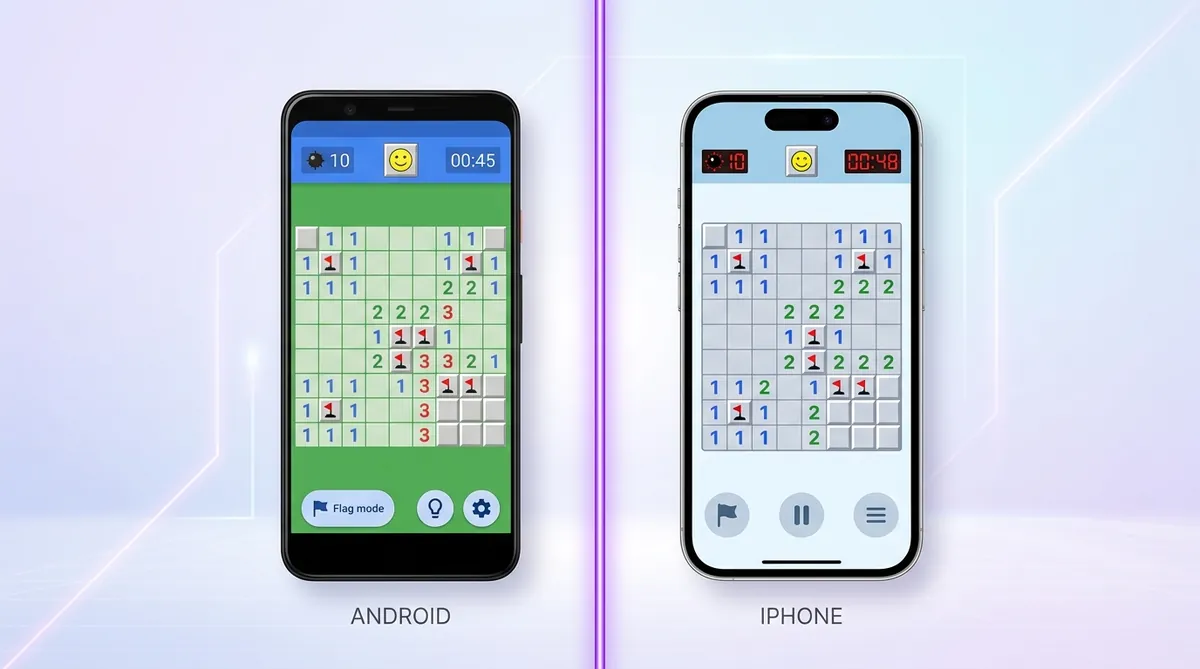
Minesweeper for Mobile: Differences Between Android and iOS Versions
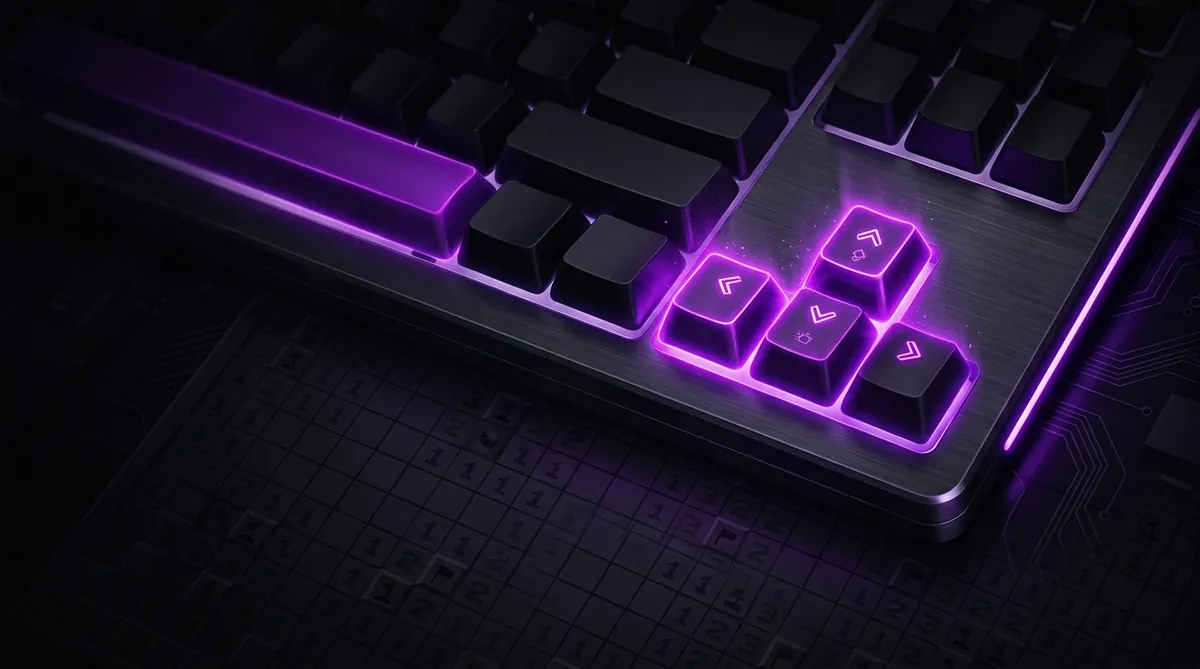
How to Play Minesweeper Using Only a Keyboard (Hotkeys and Commands)
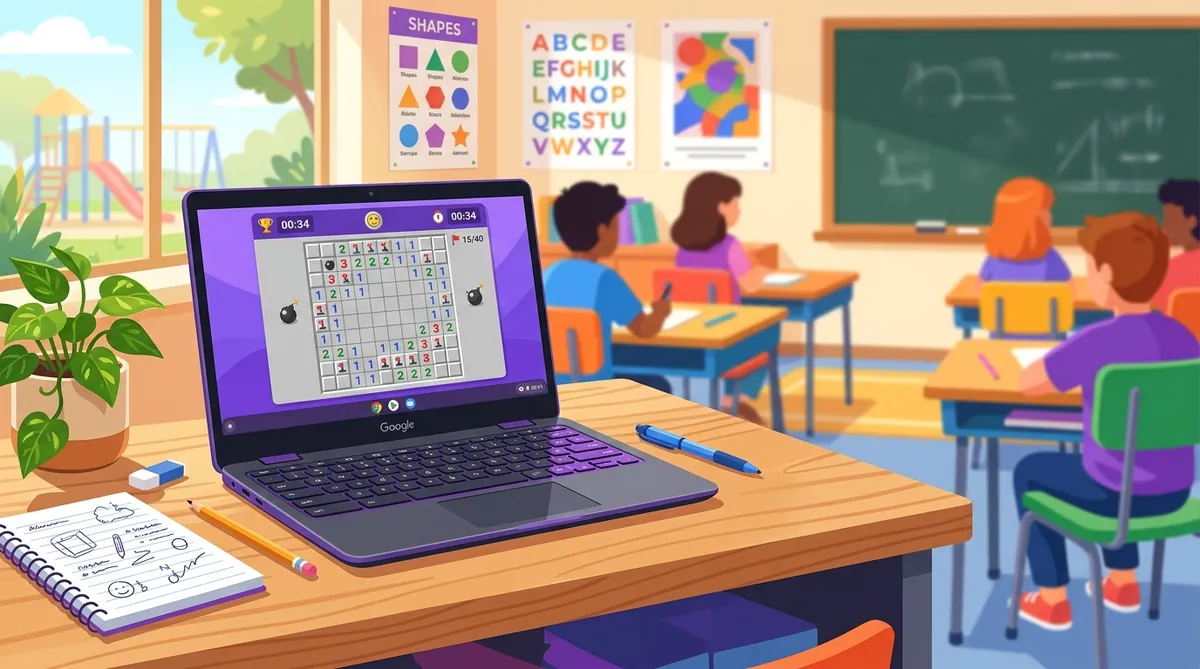
School Chromebook Guide: How to Play Minesweeper When You're Stuck in Class
School Chromebook? No problem. Minesweeper runs right in your browser with zero downloads. Here is how to play and get better fast.
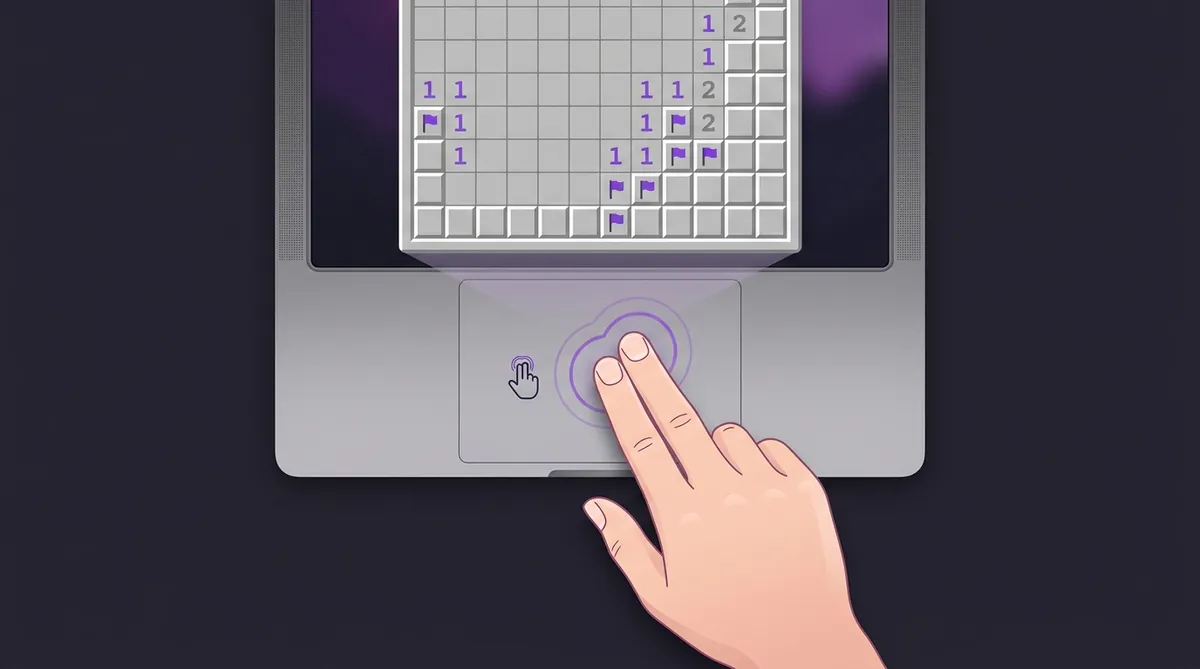
Minesweeper on a Mac: How to Right-Click and Flag Without a Mouse
No right mouse button on your Mac? No problem. Four easy ways to right-click and flag mines in Minesweeper on any Mac.
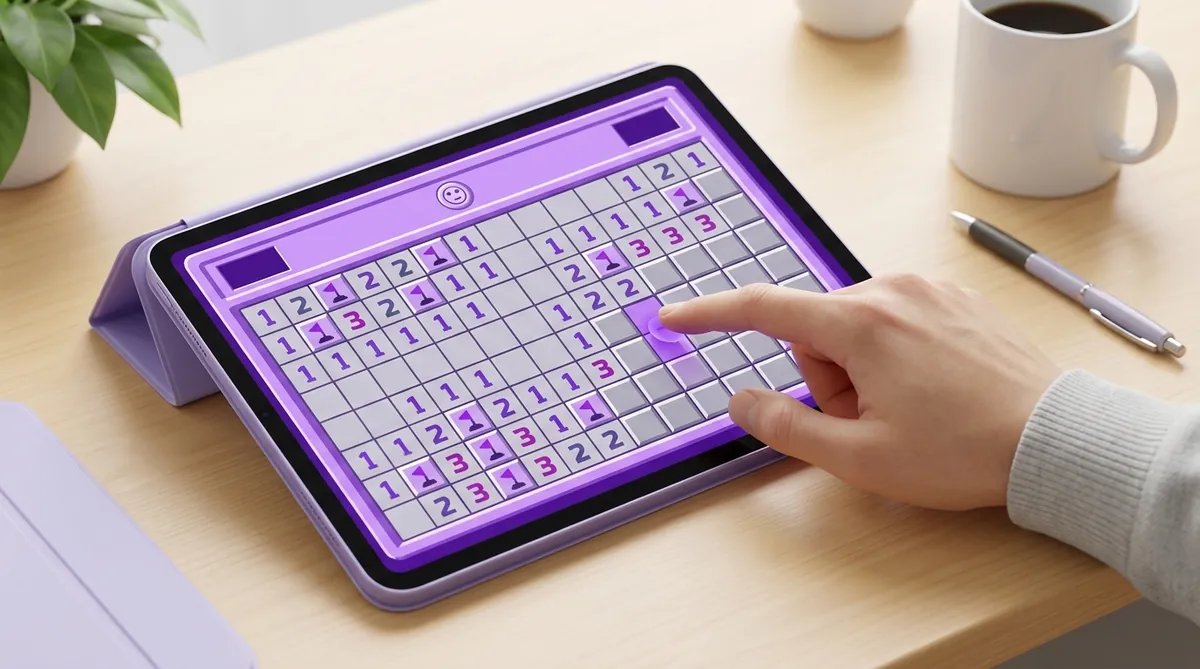
How to Play Google Minesweeper on an iPad or Tablet (Touchscreen Tips)
Playing Minesweeper on an iPad or tablet? Learn touchscreen controls, fat finger fixes, and tips to play faster on any tablet.
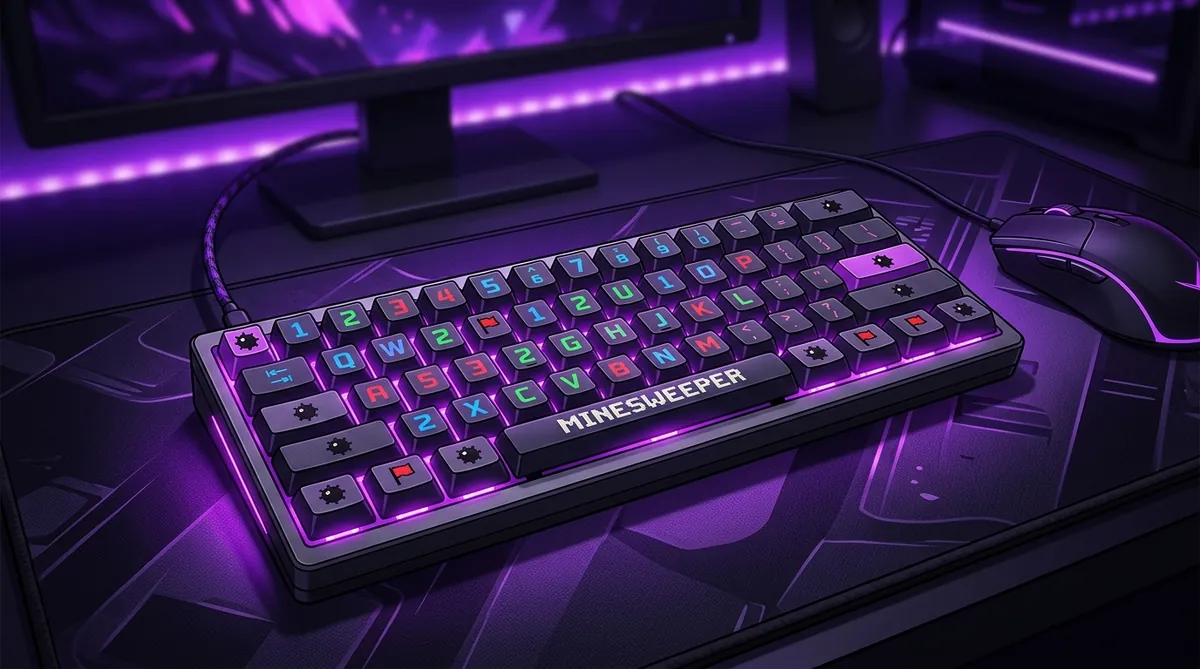
How to Play Minesweeper on a 60% Keyboard: Ducky One 2 Mini and Razer Huntsman Guide
Got a 60% keyboard? You can still dominate Minesweeper. Setup tips for Ducky One 2 Mini and Razer Huntsman Mini players.
The two actions, on every device
- Desktop mouse
- Left click reveals, right click flags, both buttons together chord. This is the setup every speed technique assumes.
- Trackpad and Mac
- Right-click exists but is off by default on some machines. Two-finger tap on a trackpad, or hold Control and click on any Mac.
- Touchscreen
- Tap reveals and a long press flags. There is no hover, so chording usually is not available and precision matters more than speed.
- Keyboard only
- Arrow keys move a cursor, Spacebar or Enter reveals, F or Ctrl flags, R or F2 restarts. Your hand never leaves its position.
- School Chromebook
- The browser version needs no download, no install and no admin rights, which is why it works where installed games are blocked.
Other Minesweeper topics
Once you have read enough, put it to work: measure a board with the 3BV calculator, check where you stand with Is My Time Good?, then set a ranked time on Expert.