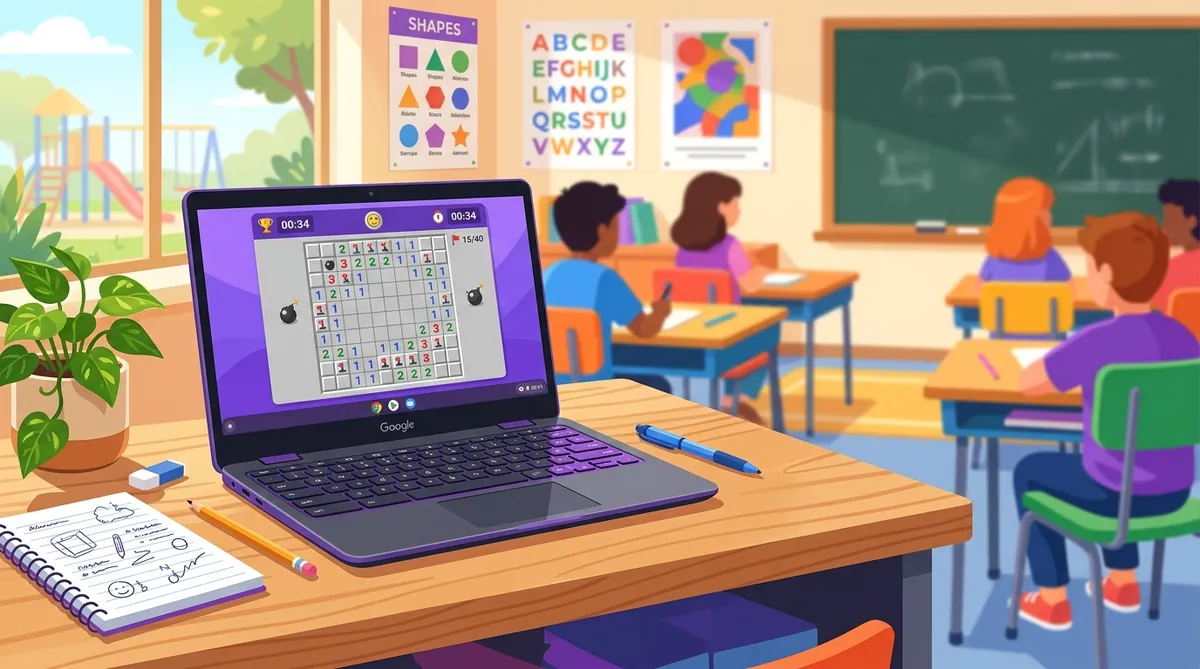
School Chromebook Guide: How to Play Minesweeper When You're Stuck in Class
Minesweeper runs in the browser on a school Chromebook, so it needs no download, no install and no admin permissions - which is also why it gets through filters that block installed games. A two-finger tap on the trackpad places a flag, and a single tap reveals a cell.
Let's be real. You're sitting in class, the teacher is going over stuff you already know, and you've got a school Chromebook in front of you. You want to play a quick game. But everything fun is blocked.
Sound familiar? You're not alone.
Minesweeper is one of the best games you can play on a school Chromebook. It runs in your browser. It doesn't need a download. And it actually makes you smarter while you play. Teachers might even give you a pass on this one.
Let me show you exactly how to get it working.
Why Minesweeper Works on School Chromebooks
School Chromebooks are locked down. You can't install apps. You can't download .exe files. Most gaming sites are blocked by the school's web filter.
But Minesweeper has a big advantage. It's a browser-based logic game. That means:
- No downloads or installs needed
- It runs right in Chrome
- It looks like a math puzzle (because it kind of is)
- It loads fast even on slow school Wi-Fi
- It doesn't use much battery
So if your school hasn't specifically blocked the site, you can free minesweeper right now with zero setup.
Step-by-Step: Playing on Your Chromebook
- Open Chrome. That's it. That's your only browser anyway.
- Go to Minesweeper.now. Type it right into the address bar.
- Pick your difficulty. Start with Easy (9x9 grid) if you're new. Go Intermediate or Expert if you want a real challenge.
- Left-click to reveal a square. Use your trackpad. Tap with one finger.
- Right-click to flag a mine. Tap with two fingers on the trackpad. This places a flag where you think a mine is hiding.
Chromebook Trackpad Controls
If you've played on other devices before, check out our Mac guide or tablet guide for more tips.
What If the Site Is Blocked?
Some schools block game sites. But Minesweeper.now is a logic and strategy game. It teaches pattern recognition, probability, and deductive reasoning. Those are real skills.
If it's blocked, you could politely ask your teacher or IT admin to unblock it. Tell them it's a math-based puzzle game. Honestly, it's harder than most of the brain-training apps schools pay for.
Get Better Fast
Don't just click randomly and hope for the best. Minesweeper is a game of logic. The numbers tell you everything.
Each number on the board tells you how many mines are touching that square. So a "1" means exactly one mine is in the eight squares around it. Learning to read these numbers is the whole game. Our adjacency guide breaks this down really well.
Once you get comfortable with the basics, start learning common patterns guide. You'll start solving sections of the board in seconds instead of minutes.
Make It a Daily Habit
Here's something cool. Minesweeper.now has a daily challenge that gives you a new puzzle every day. It's the same board for everyone. So you can compete with your friends to see who solves it fastest.
And if you create an account, your stats get saved. You can track your times, watch yourself improve, and climb the leaderboard. It takes like 30 seconds to set up.
Look, Minesweeper isn't just a way to kill time in class. It's a legit brain game that builds skills you'll actually use. And your Chromebook is the perfect place to play it. No installs. No drama. Just puzzles.
Now stop reading and go play a round. You know you want to.
Part of our complete guide: How to Play Minesweeper on Any Device: PC, Mac, Mobile, and Chromebook.
Try what you just read: Beginner Minesweeper · Intermediate Minesweeper · Expert Minesweeper · No-Guessing mode · Daily Challenge. For technique deep-dives, see the patterns guide, efficiency & 3BV/s guide and Minesweeper FAQ.
Run the numbers with the Minesweeper 3BV calculator, see how good your time is, or read more in the Minesweeper guides.