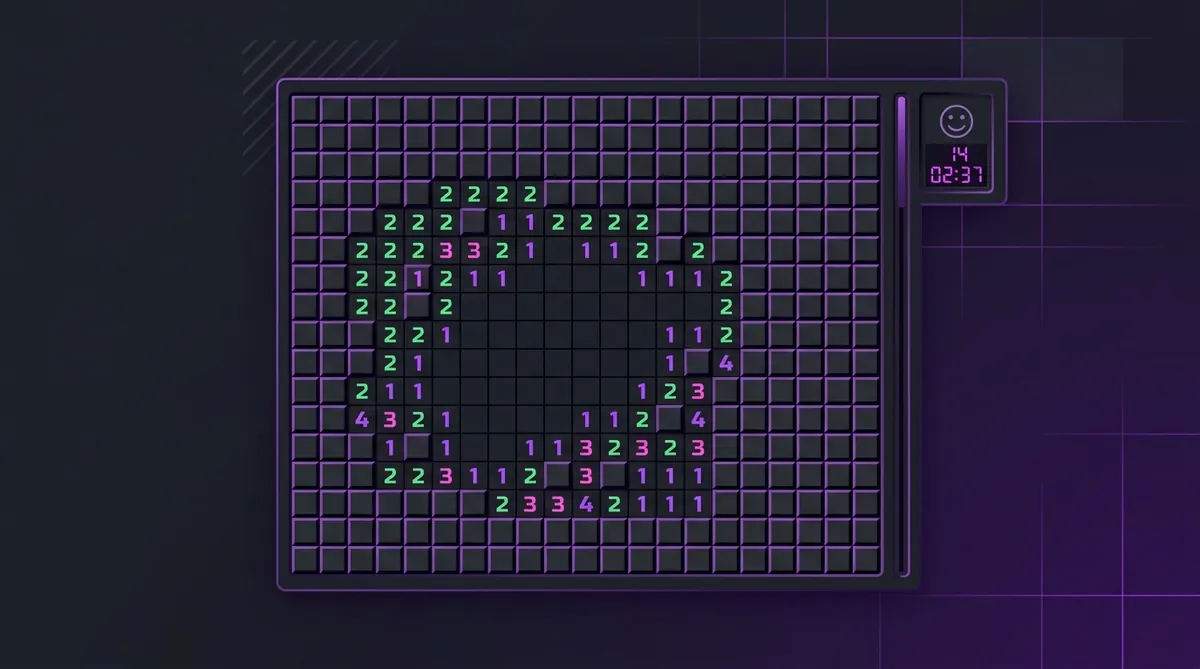
Flagless Minesweeper: How to Play (and Win) Without Using Any Flags
Flagless Minesweeper means clearing the board without ever placing a flag, and the fastest players in the world play this way. A flag costs a click and tells the solver nothing the numbers do not already say, so dropping flags removes up to 99 clicks from an Expert board.
Most new players think flags are the whole point of Minesweeper. You see a mine, you flag it. Right? Well, the fastest players in the world almost never use flags. They skip them completely. And they finish games way faster because of it.
Sound crazy? It's not. Let's break down why flagless play works and how you can start doing it today.
Why Flags Slow You Down
Every time you right-click to place a flag, that's time spent. It might feel like a tiny moment. But those moments add up. On an expert board with 99 mines, that could be 99 extra clicks you didn't need to make.
And here's what most people don't realize: you don't actually need to flag a mine to solve the board. You just need to reveal every safe square. That's the win condition. Flags are optional.
So the fastest players skip flags entirely. They focus only on clicking safe squares. Fewer clicks means less time. Less time means better scores on the top players.
But Wait, What About Chording?
Good question. Chording is when you double-click a number to reveal all its neighbors at once. It requires flags to work. So if you go flagless, you lose chording too.
That sounds like a big deal. But it's actually fine. The time you save by not placing flags is usually more than the time chording would save you. If you want to learn more about both styles, check out our chording guide to compare.
Some top players use a mix of both. They play mostly flagless but chord in specific spots. But if you're just getting started with speed play, going fully flagless is simpler to learn.
How to Play Flagless: Step by Step
1. Train Your Brain to See Safe Squares
Instead of thinking "where are the mines?", flip it. Ask yourself "where is it safe to click?" This is a big mental shift. You stop looking for danger and start looking for openings.
Knowing your pattern guide helps a lot here. When you spot a 1-1 pattern or a 1-2 pattern, you instantly know which squares are safe without needing to mark anything.
2. Work the Edges
Start from the corners and edges of the revealed area. Look for numbers that already touch enough unknown squares to account for their mines. Then click the remaining neighbors. The 1-1 rule is your best friend here.
3. Keep Your Mouse Moving
Flagless play rewards smooth, flowing mouse movement. You're only left-clicking, so your hand just glides across the board. No stopping to right-click. No switching between flag mode and reveal mode. Just click, click, click.
4. Trust Your Memory
Without flags, you need to remember where mines are. This sounds hard, but it gets easier fast. Your brain is already doing most of this work. Flags were just a crutch. After a few games, you'll notice you already know where the mines are without marking them.
When Flagless Play Doesn't Work
Look, flagless isn't perfect for every situation. If you hit a 50/50 guide scenario, flags can help you keep track of what you've figured out. And some people just enjoy flagging. That's totally fine.
But if your goal is speed, going flagless is one of the easiest ways to shave seconds off your time. It takes almost no extra skill. You just stop doing something you didn't need to do in the first place.
Ready to try it? Jump into a game of online minesweeper right now and keep that right mouse button still. You might surprise yourself with how fast you can go. And if you want to keep improving, our speed guide has even more tips to help you climb the ranks.
Try what you just read: Beginner Minesweeper · Intermediate Minesweeper · Expert Minesweeper · No-Guessing mode · Daily Challenge. For technique deep-dives, see the patterns guide, efficiency & 3BV/s guide and Minesweeper FAQ.
Run the numbers with the Minesweeper 3BV calculator, see how good your time is, or read more in the Minesweeper guides.