Coding Minesweeper
Minesweeper is one of the best projects for learning to program, because it packs a 2D grid, recursion, randomness, event handling and a clean win/lose state into something you can finish in an afternoon. These tutorials build it from first principles in several languages, and go under the hood of the algorithms themselves: how mines are placed, how the first click is guaranteed safe, and how flood fill opens an entire empty region in one action.
How to Code Minesweeper: A Complete Guide to Building the Game from Scratch
Everything you need to build Minesweeper from scratch: the data model, mine placement, flood-fill reveal, win/lose logic, and language-by-language tutorials.
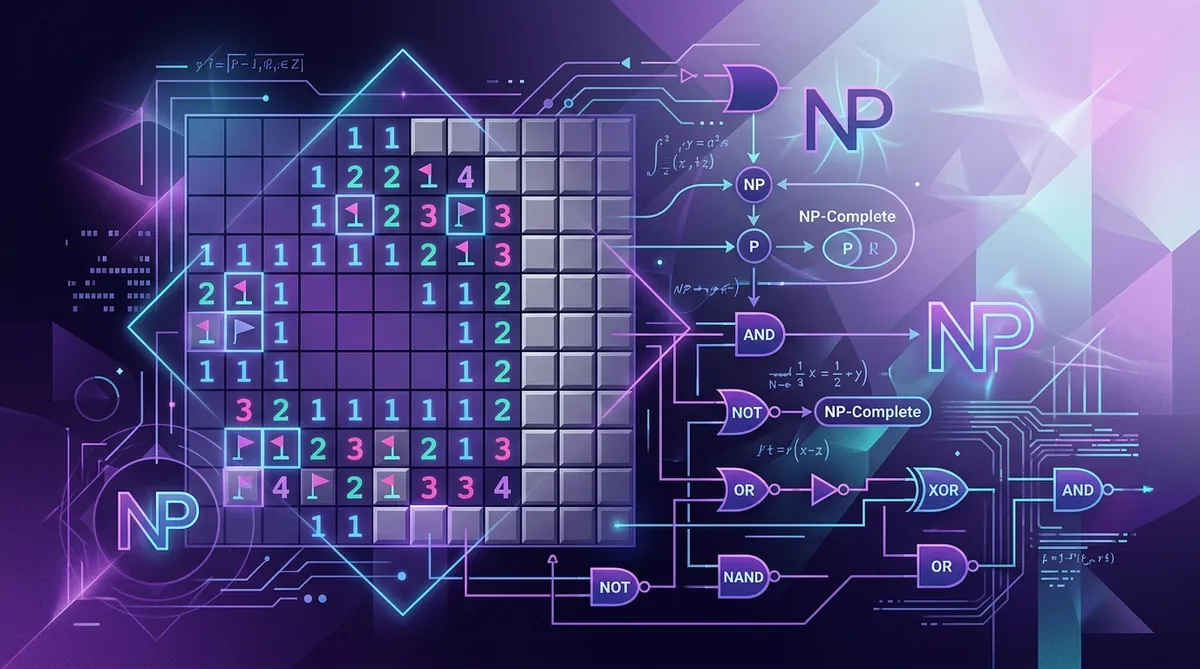
Is Minesweeper NP-Complete? The Mathematics and Logic Behind the Game
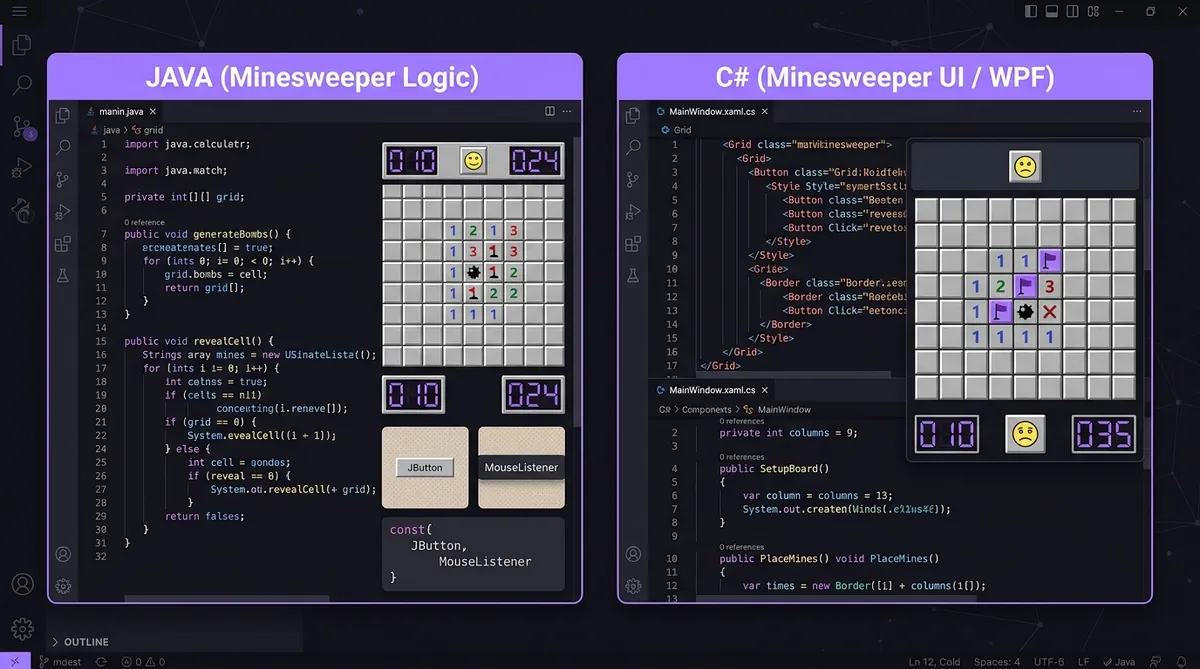
Minesweeper in Java and C#: Creating the UI and Logic from Scratch

Minesweeper Algorithm Explained: How the Game Generates Fair Boards
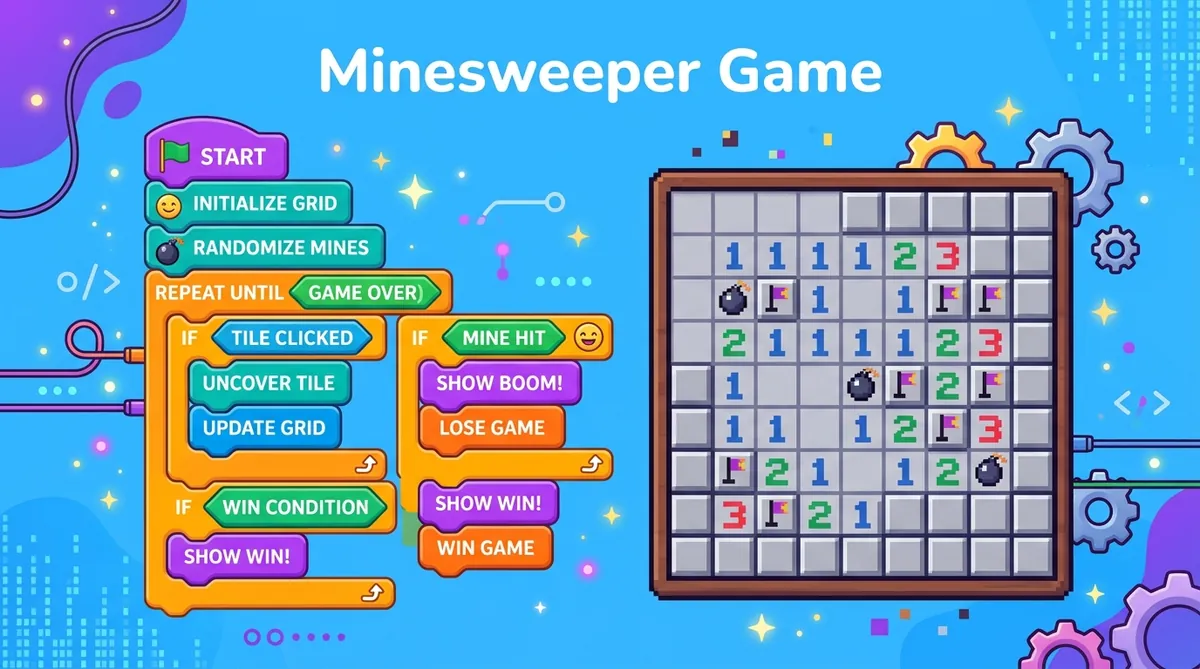
Building Minesweeper in Scratch: A Beginner's Guide for Kids
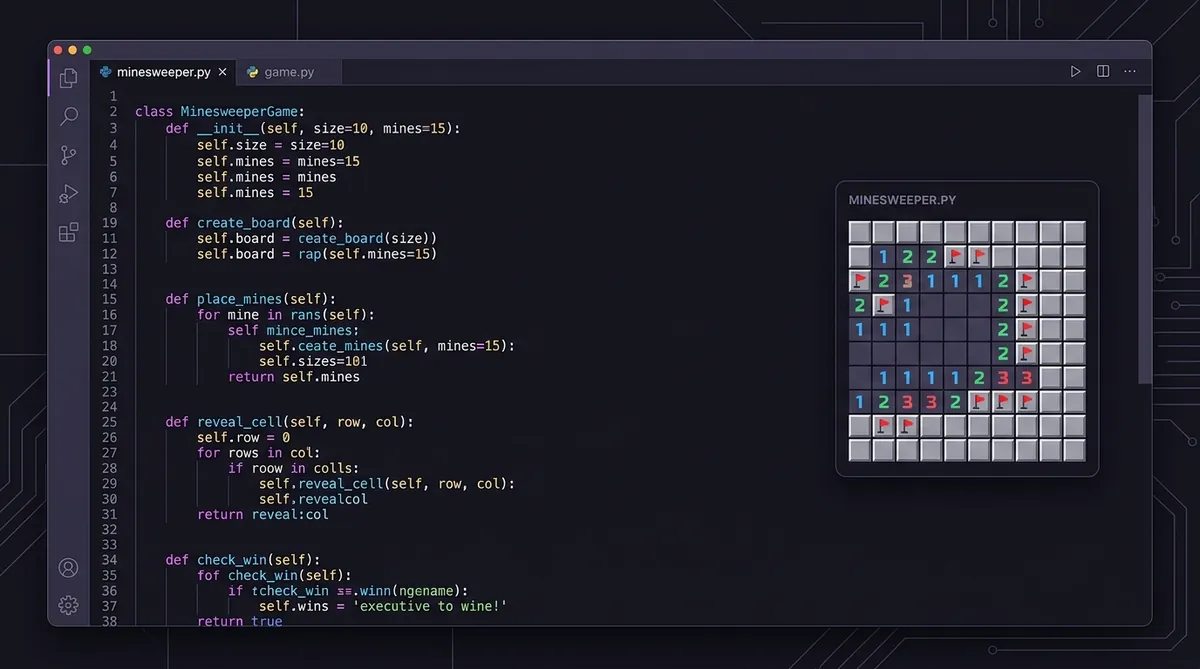
How to Program Minesweeper in Python: A Step-by-Step Coding Tutorial
The five pieces every implementation needs
- The grid
- A 2D array where each cell holds its state: mine or not, revealed or not, flagged or not, and its neighbor count.
- Mine placement
- Scatter mines at random after the first click, not before. Generating the board late is what makes the first click safe by construction.
- Neighbor counting
- For every non-mine cell, count the mines in the eight cells around it. Handle edges and corners, which have fewer neighbors.
- Flood fill
- When a player opens a cell with a count of zero, recursively open its neighbors. This is what produces the large opening on a first click.
- Win and lose
- You lose when a mine is revealed. You win when every non-mine cell is revealed - not when every mine is flagged, which is a common bug.
Other Minesweeper topics
Once you have read enough, put it to work: measure a board with the 3BV calculator, check where you stand with Is My Time Good?, then set a ranked time on Expert.