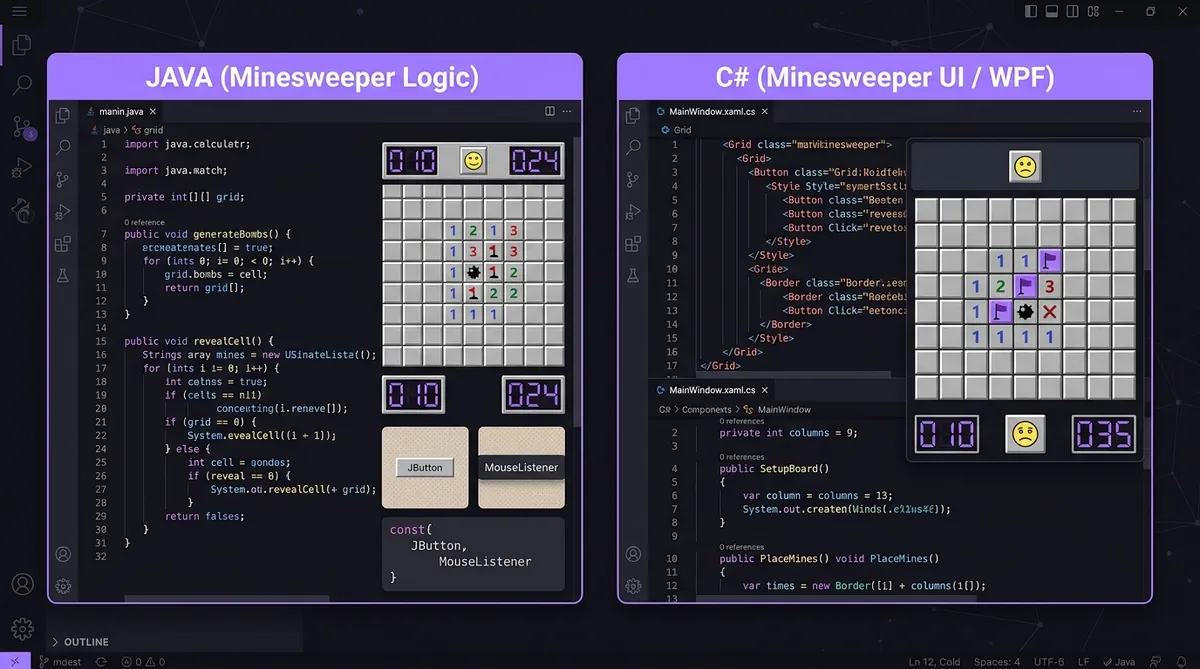
Minesweeper in Java & C#: Build Guide
Java and C# build Minesweeper the same way: a grid of buttons for the interface, click handlers for reveal and flag, and a separate board class holding the game logic. In Java you choose Swing or JavaFX; in C# you choose WinForms or WPF. Keeping the logic out of the button code is what makes either version worth maintaining.
So you want to build Minesweeper in Java or C#? Great choice. Both languages are super popular for desktop apps, and Minesweeper is a perfect project to learn how UI and logic connect. Let's walk through how it works in both, side by side.
Setting Up Your Project
In Java, you've got two main options: Swing and JavaFX. Swing is older but simpler to start with. JavaFX is newer and looks better. For beginners, Swing is fine. Just create a new Java project in IntelliJ or Eclipse and you're ready to go.
In C#, you'll use Visual Studio. You can pick WinForms (old school, easy) or WPF (more powerful, more code). WinForms lets you drag and drop buttons on a canvas, which is really handy. WPF uses XML-style markup called XAML, which is different but very clean.
Building the Grid with Buttons
The grid is just a bunch of buttons. Each button is one cell. Here's how you'd set that up in Java Swing:
JButton[][] buttons = new JButton[rows][cols];
for (int r = 0; r < rows; r++) {
    for (int c = 0; c < cols; c++) {
        buttons[r][c] = new JButton();
        panel.add(buttons[r][c]);
    }
}
And here's the same thing in C# WinForms:
Button[,] buttons = new Button[rows, cols];
for (int r = 0; r < rows; r++) {
    for (int c = 0; c < cols; c++) {
        buttons[r, c] = new Button();
        panel.Controls.Add(buttons[r, c]);
    }
}
Look, they're really similar. The biggest difference is syntax. Java uses [][] for 2D arrays. C# uses [,]. And Java calls it panel.add() while C# says panel.Controls.Add(). Small stuff, but it matters.
Click Handlers for Reveal and Flag
This is where it gets fun. Left click reveals a cell. Right click places a flag. In Java, you add a MouseListener to each button. In C#, you handle the Click and MouseDown events.
Here's a Java example for detecting right-click:
btn.addMouseListener(new MouseAdapter() {
    public void mousePressed(MouseEvent e) {
        if (SwingUtilities.isRightMouseButton(e)) {
            placeFlag(row, col);
        }
    }
});
In C# it looks like this:
btn.MouseDown += (s, e) => {
    if (e.Button == MouseButtons.Right) {
        PlaceFlag(row, col);
    }
};
C# uses something called lambda expressions with =>. Java uses anonymous classes. Both work great. But a lot of people find C# lambdas easier to read once you get used to them.
If you want to understand more about how the game logic works underneath all this, check out this number logic that breaks down how the numbers on each cell get calculated.
Separating Game Logic from the UI
You don't want your game logic mixed into your button code. That's messy and hard to fix later. Both Java and C# support classes really well, so use them.
Create a Board class that handles mines, revealed cells, and flags. Your UI just reads from the Board and updates buttons. This is called the Model-View approach, and it's a good habit to build early.
And don't forget to learn how the board gets generated fairly. This fair boards explains it really well.
Which One Should You Pick?
Honestly, it depends on what you already know. If you've done some Java in school, go with Swing. If you're on Windows and learning .NET, C# WinForms is great. Both will teach you the same core skills: building a grid, handling clicks, and separating your logic from your UI.
But if you want to skip all the setup and just free minesweeper right now while you learn, you can do that too. Sometimes playing is the best way to understand what you're actually building.
If you've already tried Python, check out this Python tutorial to compare all three languages side by side. It's a great way to see how the same game looks in different code.
So get started, don't overthink it, and have fun. Building Minesweeper from scratch is one of the best ways to level up your coding skills.
Part of our complete guide: How to Code Minesweeper: A Complete Guide to Building the Game from Scratch.
Try what you just read: Beginner Minesweeper · Intermediate Minesweeper · Expert Minesweeper · No-Guessing mode · Tägliche Herausforderung. For technique deep-dives, see the patterns guide, efficiency & 3BV/s guide und Minesweeper FAQ.
Run the numbers with the Minesweeper 3BV calculator, see how good your time is, or read more in the Minesweeper guides.