Minesweeper Keyboard Controls & Hotkeys
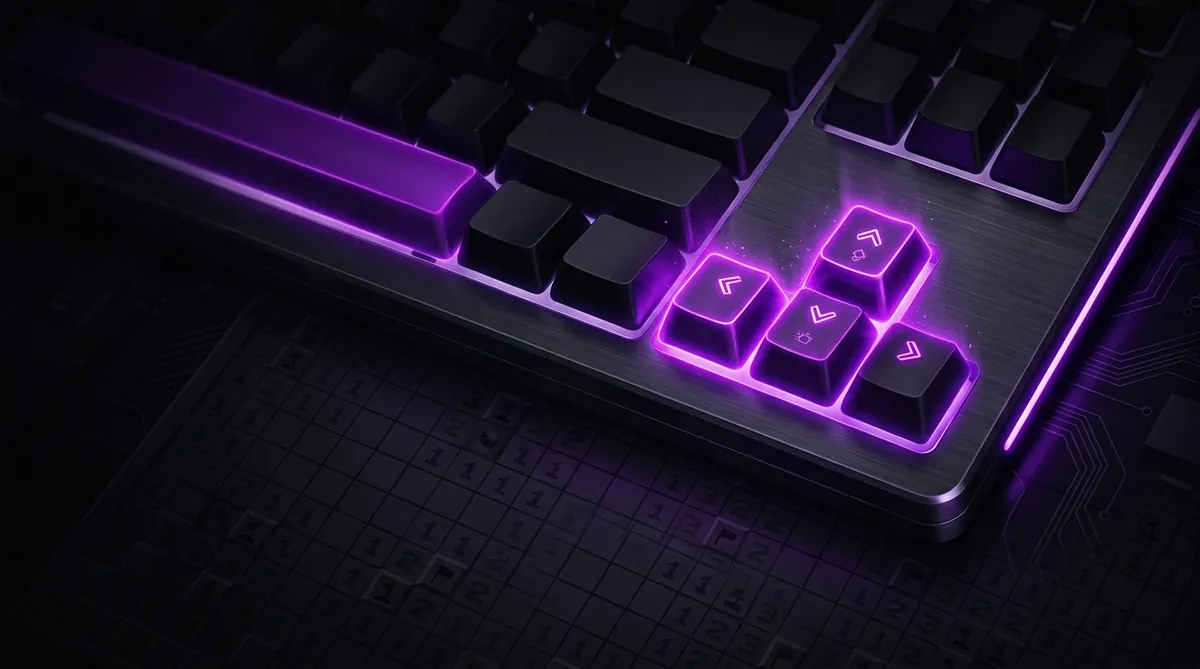
You can play Minesweeper from the keyboard alone. The arrow keys move a cursor around the grid, Spacebar or Enter reveals a cell, F or Ctrl places a flag, and R or F2 restarts. Keeping your fingers in one place instead of moving a mouse across the board is why some players find it faster.
Most people play Minesweeper with a mouse. But did you know you can play the whole game without touching it at all? Yep, keyboard only. It's actually pretty fun once you get the hang of it, and some players swear it makes them faster. Let's walk through how it works.
Why Play with a Keyboard?
Mice are great, but they slow you down if your hand has to travel far. With a keyboard, your fingers stay in one spot. No reaching, no clicking around. And if you're on a laptop or you just don't have a mouse handy, knowing the keyboard controls means you can still online minesweeper anywhere.
It also feels really satisfying when you clear a board without ever touching your mouse. Trust me on that one.
The Basic Keyboard Controls
Most versions of Minesweeper support these standard keys. Here's a quick cheat sheet:
Not every game uses the exact same keys. So check the how to play for the version you're playing. But most games stick pretty close to this list.
How to Navigate the Grid
When you start, your cursor usually lands somewhere near the middle or top-left of the board. From there, use the arrow keys to move around. Up, down, left, right. That's it.
It sounds slow, but you get faster with practice. And here's a tip: plan your moves before you make them. Look at the numbers around you and figure out where to go next. Then move there in a straight line instead of zigzagging all over the place.
How to Reveal Cells and Place Flags
Once your cursor is on the cell you want, press Spacebar or Enter to reveal it. Simple. To place a flag, press F or sometimes Ctrl. Press it again on the same flagged cell to remove the flag.
And if you want to go flagless entirely, that's a real strategy too. Check out the flagless guide if you're curious. Some keyboard players skip flags altogether to save time.
But if you're just starting out, flagging mines as you find them is a good habit. It helps you keep track of what's safe and what isn't.
Chording with a Keyboard
Chording is when you reveal all the cells around a number at once because you've already flagged all the mines next to it. With a mouse, you do this with a middle-click or a double-click. With a keyboard, you usually do it by pressing Spacebar while your cursor is on a numbered cell that has the right number of flags next to it.
It's a huge time-saver. If you haven't learned chording yet, go read the chording guide. It works just as well on a keyboard as it does with a mouse.
Is Keyboard-Only Play Competitive?
Here's the honest answer: most top players still use a mouse. A mouse lets you jump anywhere on the board instantly, and that speed is really hard to match with arrow keys.
But keyboard play isn't useless in competition. Some players use a mix of both, using keyboard shortcuts for things like restarting and flagging, while using the mouse to move around. That combo can actually be pretty efficient.
So if you want to climb the leaderboard, you'll probably want to learn mouse controls too. But keyboard play is still a great way to practice your logic and pattern reading. Check out the patterns guide to sharpen those skills.
Try It Out
The best way to get comfortable with keyboard controls is to just start using them. Open a game, put your mouse to the side, and force yourself to use the keys only. You'll feel clumsy at first. That's totally normal. But after a few games, it starts to click.
And hey, if you want a low-pressure way to practice, try the daily challenge. It's one puzzle a day, so there's no rush. Perfect for learning a new control style without the stress of a timer breathing down your neck.
Give it a shot. You might surprise yourself.
Part of our complete guide: How to Play Minesweeper on Any Device: PC, Mac, Mobile, and Chromebook.
Try what you just read: Beginner Minesweeper · Intermediate Minesweeper · Expert Minesweeper · No-Guessing mode · Défi Quotidien. For technique deep-dives, see the patterns guide, efficiency & 3BV/s guide et Minesweeper FAQ.
Run the numbers with the Minesweeper 3BV calculator, see how good your time is, or read more in the Minesweeper guides.