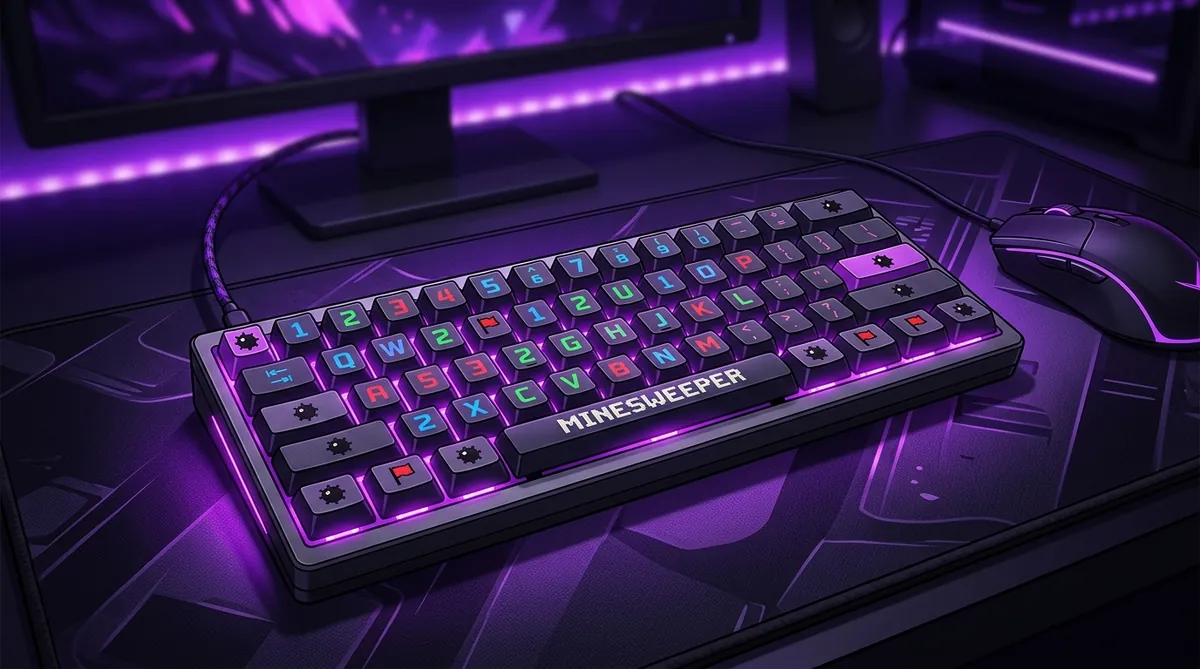
How to Play Minesweeper on a 60% Keyboard: Ducky One 2 Mini and Razer Huntsman Guide
A 60% keyboard drops the number pad and the function row, and Minesweeper needs neither, because the game is played almost entirely with the mouse. On a Ducky One 2 Mini or a Razer Huntsman Mini the few shortcuts that matter - restart, flag, pause - sit on the Fn layer.
So you've got a 60% keyboard. Maybe it's the Ducky One 2 Mini. Maybe it's the Razer Huntsman Mini. Either way, you're probably wondering: where did all my keys go? And more importantly, how do I play free minesweeper without a number pad?
Don't worry. You can absolutely crush it on a compact board. You just need to know a few tricks.
Why 60% Keyboards Are Tricky for Minesweeper
A full-size keyboard has 104 keys. A 60% board chops that down to about 61. Gone are the arrow keys, the function row, and that beautiful number pad on the right side. That number pad is what a lot of players use for quick inputs in Minesweeper.
But most competitive Minesweeper is played with a mouse anyway. The keyboard shortcuts you actually need are pretty minimal. You just have to know which ones matter and how to reach them on a smaller layout.
Key Differences: Ducky One 2 Mini vs Razer Huntsman Mini
Both boards still have the number row across the top. So if you use number keys for anything in-game, you're fine. The real challenge is getting comfortable with shortcuts that normally live on missing keys.
Essential Minesweeper Shortcuts on 60%
Look, you don't need 104 keys to play well. Here are the main controls that matter when you how to play:
F2 (New Game): On the Ducky, hit Fn + 2. On the Huntsman Mini, it's the same combo. Easy.
Escape (Pause/Menu): Both boards keep Escape in the top left. No changes here.
Spacebar: Some players use spacebar for flagging or revealing. It's right there on both keyboards. No problem.
Optimize Your Setup
Here's where it gets fun. Since you've got a compact board, you actually have more desk space for your mouse. And in Minesweeper, mouse movement is everything. More room to flick means faster clicks and better learn chording.
For Ducky One 2 Mini users: Use the DIP switches on the bottom of the board to swap key functions. DIP switch 3 turns Caps Lock into Fn, which gives your left hand easy access to the function layer. This means you can hit F2 for a new game without moving your right hand off the mouse.
For Razer Huntsman Mini users: Open Razer Synapse and create a Minesweeper profile. Remap any key you want. You could put F2 on a single keypress. You could even bind a macro that resets and starts a new game instantly.
Does Keyboard Size Actually Affect Your Speed?
Honestly? Not really. The top players on the leaderboard use all kinds of keyboards. What matters way more is your mouse technique, your pattern recognition, and your ability to read the board fast.
A 60% keyboard might even help you. Less reaching means your hands stay in a tighter position. And that extra mouse space is real. Some players report shaving seconds off their times just from having more room to move.
Quick Setup Checklist
Before you jump into the daily challenge, run through this list:
- Test Fn + number row to make sure F1 through F10 all work
- Practice hitting F2 quickly for new game resets
- Position your keyboard to the left so your mouse has maximum space
- Consider a low-profile wrist rest to keep things comfortable
- Make sure your mouse sensitivity is dialed in
That's it. A 60% keyboard is more than enough for competitive Minesweeper. So go create an account, warm up on a few boards, and see how fast you can go. Your keyboard isn't holding you back. Now go prove it.
Part of our complete guide: How to Play Minesweeper on Any Device: PC, Mac, Mobile, and Chromebook.
Try what you just read: Beginner Minesweeper · Intermediate Minesweeper · Expert Minesweeper · No-Guessing mode · Défi Quotidien. For technique deep-dives, see the patterns guide, efficiency & 3BV/s guide et Minesweeper FAQ.
Run the numbers with the Minesweeper 3BV calculator, see how good your time is, or read more in the Minesweeper guides.