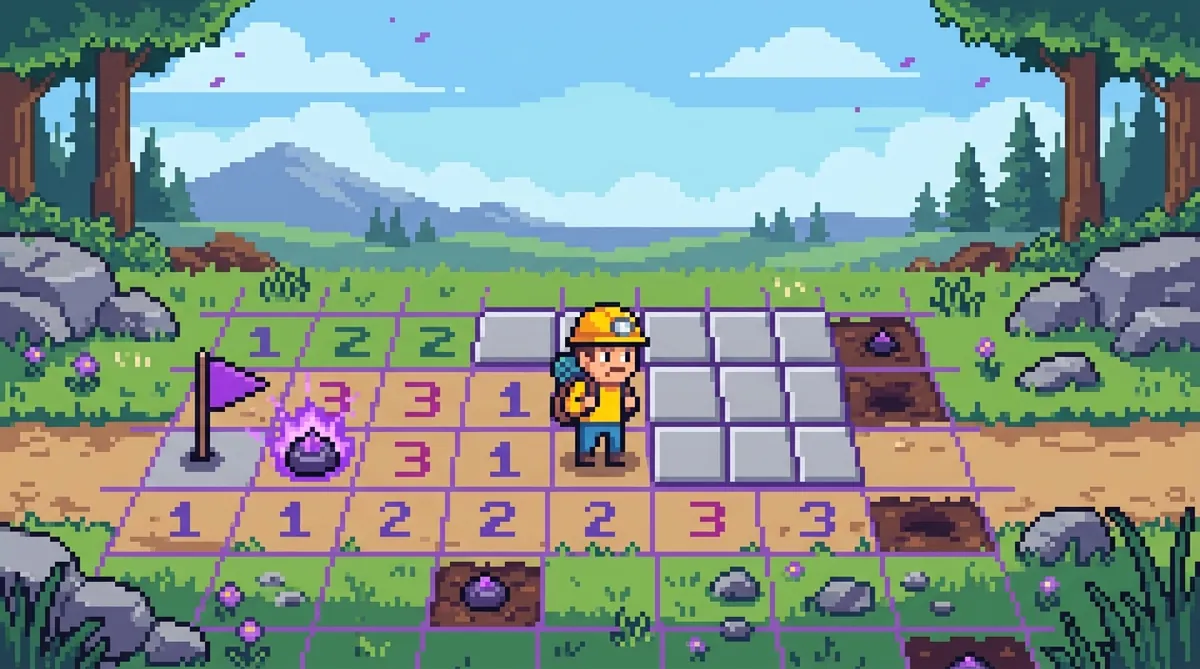
BitLife Minesweeper: How to Defuse the Mines
BitLife's minesweeper minigame follows classic Minesweeper rules exactly: each number counts the mines touching that tile, and you clear the safe tiles without detonating one. It shows up most often in the military career when your character is deployed, but it can appear in random life events too.
So you're living your best digital life in BitLife and suddenly a minesweeper minigame pops up out of nowhere. Maybe you joined the military and stepped into a minefield. Maybe you just weren't expecting it. Either way, you need to figure out how to defuse those mines fast, or your BitLife character is toast.
BitLife's minesweeper challenge follows the same rules as the classic Minesweeper game you might have played on an old Windows PC. Once you understand how it works, it gets a whole lot easier. Let's break it down.
When Does Minesweeper Show Up in BitLife?
BitLife throws the minesweeper minigame at you in a few different situations. The most common one is during a military career. When your character is deployed or goes on a mission, you might get sent into a minefield. If that happens, you'll need to navigate the grid without blowing yourself up.
But it can also pop up in random life events tied to landmine scenarios. Sometimes it just shows up as a surprise challenge. The point is, you can't always predict it, so being ready ahead of time is the smart move.
How the Grid Works in BitLife
The minesweeper grid in BitLife looks just like the classic version. You've got a bunch of squares, and hidden underneath some of them are mines. Your job is to click on the safe squares and avoid the mines.
When you tap a square, one of two things happens. Either it shows a number, or it explodes. The numbers are super important. They tell you how many mines are touching that square. And "touching" means all the squares directly next to it, including diagonals.
If a square opens up blank, it usually opens up a whole bunch of other blank squares around it. That's a great sign. It means you've found a big safe zone to work with.
Tips for Surviving the BitLife Minesweeper Minigame
Look, even if you've never played Minesweeper before, these tips will get you through it.
Use the numbers to figure out the mines. If a "1" square is surrounded by only one unrevealed square, that unrevealed square is definitely a mine. Don't click it. On the flip side, if a "1" square is touching eight revealed squares and only one hidden one, that hidden one is the mine for sure.
Work from what you know. Don't just randomly click squares hoping for the best. Use the numbers you already have to deduce which squares are safe. It's basically a logic puzzle. Check out this pattern bible to learn the most common number formations and what they mean.
Sometimes you'll have to guess. And that's okay. Even experienced players hit situations where there's no logical way to know which square is safe. When that happens, you just pick the one that looks least likely to be a mine. It's a skill in itself. You can get better at it by reading up on the 50/50 guide to understand which guesses give you the best odds.
Flag the mines you find. Most versions of Minesweeper, including the one in BitLife, let you flag a square to mark it as a mine. Use this feature. It stops you from accidentally clicking a square you've already figured out is dangerous.
Why Practice Makes a Huge Difference
And here's the real secret: the more you play Minesweeper outside of BitLife, the better you'll get at it inside the game too. Because the rules are the same, the patterns are the same, and the logic is the same. If you build up your instincts through regular practice, you'll fly through the BitLife minigame without even breaking a sweat.
The best place to do that is right here. You can online minesweeper for free right in your browser, no download needed. There's even a today's challenge that gives you a fresh challenge every day. Playing it regularly is honestly the fastest way to level up your skills.
BitLife throws a lot of random stuff at you, but the minesweeper minigame is one of the few challenges you can actually prepare for. So take a few minutes, practice the game, learn the patterns, and next time you step into that minefield in BitLife, you'll know exactly what to do.
Try what you just read: Beginner Minesweeper · Intermediate Minesweeper · Expert Minesweeper · No-Guessing mode · Daily Challenge. For technique deep-dives, see the patterns guide, efficiency & 3BV/s guide and Minesweeper FAQ.
Run the numbers with the Minesweeper 3BV calculator, see how good your time is, or read more in the Minesweeper guides.