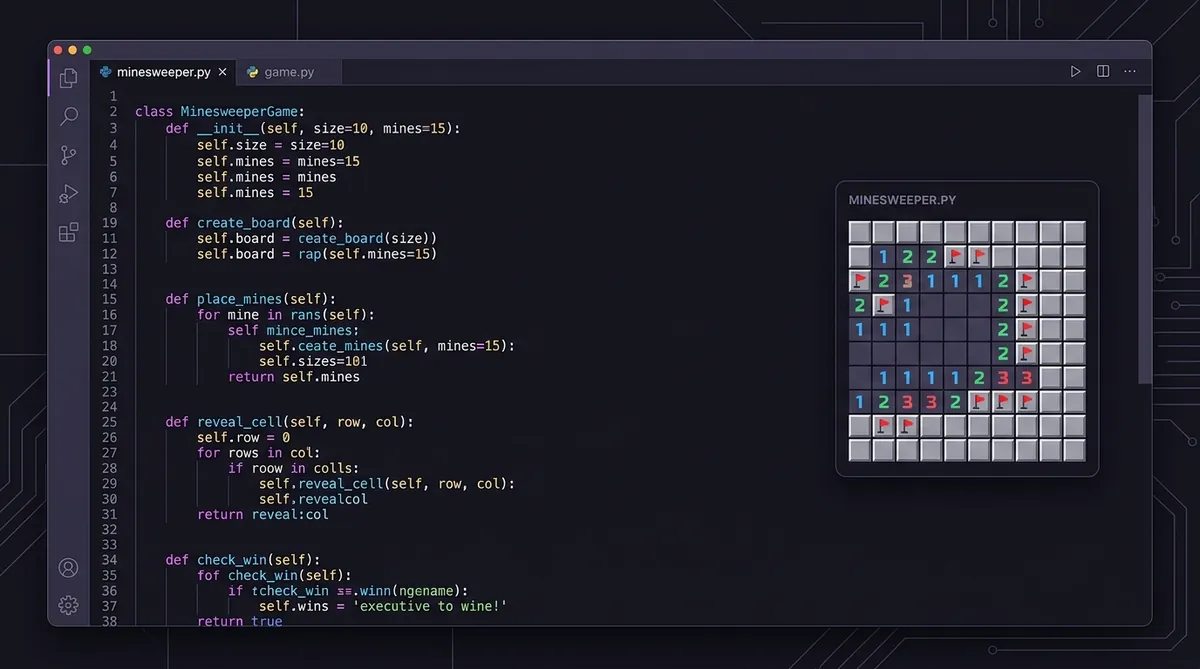
Code Minesweeper in Python: Tutorial
Programming Minesweeper in Python takes five pieces: a 2D list for the grid, random mine placement, a neighbor count for every cell, a recursive flood fill that opens connected empty regions, and a win/lose check. No game library is required - the standard library covers all of it.
Want to build your own Minesweeper game in Python? It's a really fun coding project. And it's not as hard as you might think. You don't need to be an expert programmer. You just need to understand a few key ideas and put them together step by step.
So let's walk through the core logic of building Minesweeper in Python. We won't build the whole thing from scratch, but we'll cover the important parts that make the game work. If you want to understand the game better first, check out this how to play before diving into the code.
Step 1: Create the Grid
The board is just a 2D grid. Think of it like a list of lists. Each cell can hold a value that tells us what's there: a mine, a number, or an empty space.
rows = 9
cols = 9
grid = [[0 for _ in range(cols)] for _ in range(rows)]
Every cell starts at zero. Later we'll fill in mines and numbers. Simple, right?
Step 2: Place Mines Randomly
We use Python's random module to drop mines onto the board. We pick random spots and mark them with -1. That's our code for "mine."
import random

num_mines = 10
mines_placed = 0

while mines_placed < num_mines:
    r = random.randint(0, rows - 1)
    c = random.randint(0, cols - 1)
    if grid[r][c] != -1:
        grid[r][c] = -1
        mines_placed += 1
We keep looping until we've placed all the mines. And we make sure we don't put two mines in the same spot. Want to know more about how game boards are built fairly? Read this algorithm guide article.
Step 3: Calculate the Neighbor Numbers
Every non-mine cell shows a number. That number tells you how many mines are touching it. So we loop through every cell and count the mines around it.
def count_neighbors(grid, r, c):
    count = 0
    for dr in [-1, 0, 1]:
        for dc in [-1, 0, 1]:
            nr, nc = r + dr, c + dc
            if 0 <= nr < rows and 0 <= nc < cols:
                if grid[nr][nc] == -1:
                    count += 1
    return count

for r in range(rows):
    for c in range(cols):
        if grid[r][c] != -1:
            grid[r][c] = count_neighbors(grid, r, c)
This is where the numbers come from. Each cell checks all 8 neighbors and tallies up the mines. Curious about how that math works? Here's a deeper number logic breakdown.
Step 4: Reveal Cells with Flood Fill
When you click an empty cell, the game reveals a big chunk of the board automatically. That's called flood fill. It works by using recursion. If a cell is zero, reveal it and check its neighbors too.
visited = [[False]*cols for _ in range(rows)]

def reveal(r, c):
    if r < 0 or r >= rows or c < 0 or c >= cols:
        return
    if visited[r][c]:
        return
    visited[r][c] = True
    if grid[r][c] == 0:
        for dr in [-1, 0, 1]:
            for dc in [-1, 0, 1]:
                reveal(r + dr, c + dc)
But if the cell has a number, it stops there. It won't keep spreading. That's what keeps the game from revealing everything at once.
Step 5: Handle Win and Lose Conditions
The lose condition is easy. If you reveal a cell that holds -1, game over.
def click_cell(r, c):
    if grid[r][c] == -1:
        print("You hit a mine! Game over.")
    else:
        reveal(r, c)
For the win, you check if every non-mine cell has been revealed. If yes, the player wins.
def check_win():
    for r in range(rows):
        for c in range(cols):
            if grid[r][c] != -1 and not visited[r][c]:
                return False
    return True
Now You Have the Core
Look, once you have these five pieces working, you've got a real Minesweeper engine. You can add a UI with Tkinter or Pygame on top of it. But the logic here is the heart of the game.
And if you want to actually play while you're learning, go ahead and free minesweeper online to see these mechanics in action. It really helps to play the game while you're reading the code. You start to notice patterns, too. Check out the pattern guide when you're ready to level up your solving skills.
So keep building. Keep experimenting. Programming is all about making something real, and this is a great project to show off.
Part of our complete guide: How to Code Minesweeper: A Complete Guide to Building the Game from Scratch.
Try what you just read: Beginner Minesweeper · Intermediate Minesweeper · Expert Minesweeper · No-Guessing mode · Défi Quotidien. For technique deep-dives, see the patterns guide, efficiency & 3BV/s guide et Minesweeper FAQ.
Run the numbers with the Minesweeper 3BV calculator, see how good your time is, or read more in the Minesweeper guides.